Online marketing services are paid help with promoting your business on the internet, such as search engine optimization (SEO, which means improving your website so it shows up higher in Google), email campaigns and online ads. You can buy them from an agency, a freelancer or a software platform, and the right choice depends on your goal and budget.
Choosing is hard because the market is crowded and prices vary widely. Agency pricing guides published in early 2026 describe monthly packages for small businesses from about $500 to over $5,000. Those figures come from vendors that sell these services, so treat them as a rough guide only.
This buyer’s guide explains what each service does, what it costs, and which numbers, called KPIs (key performance indicators), show it is working. You will also get a plain 90-day plan for getting started.
What Are Online Marketing Services?
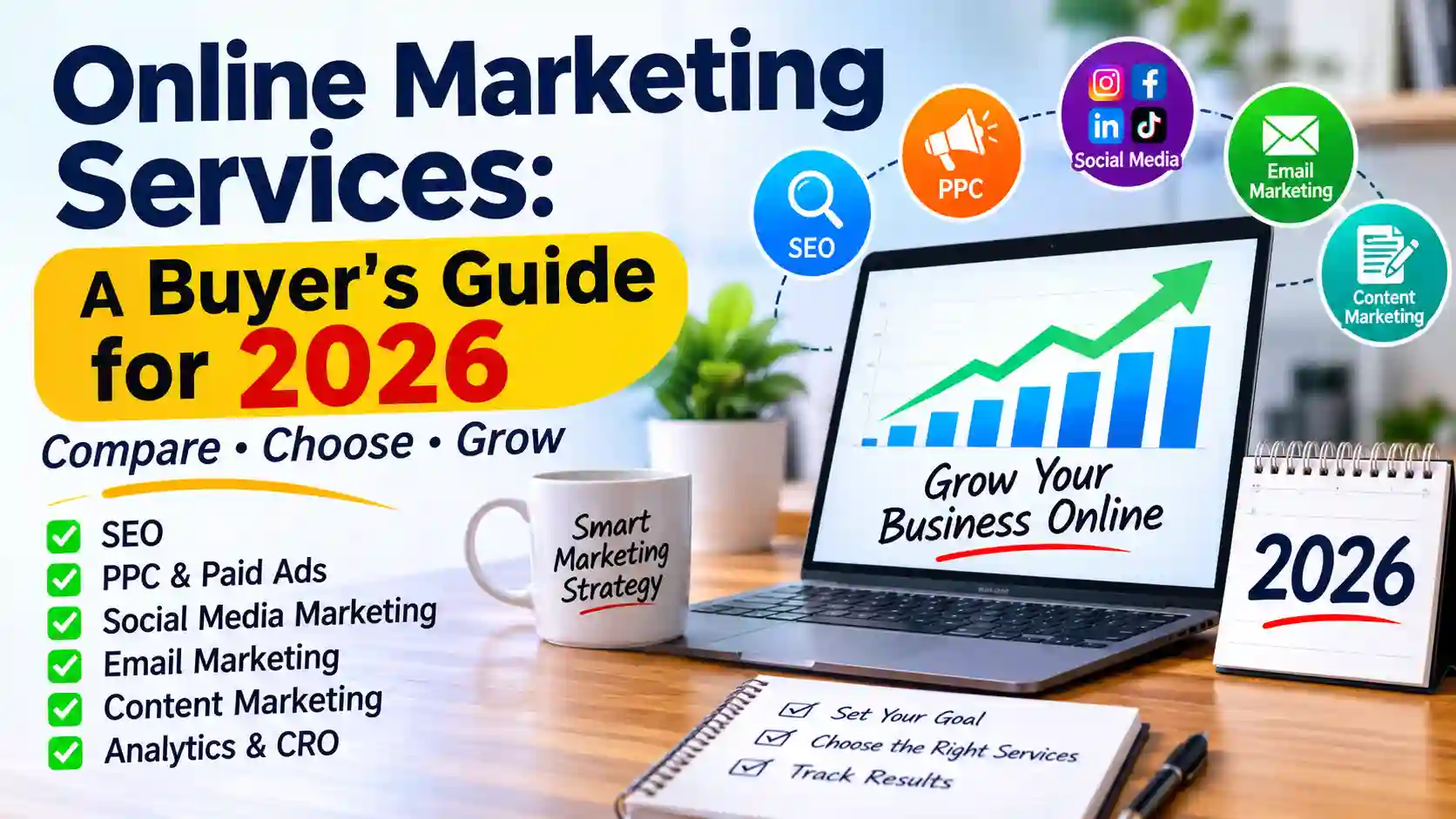
Online marketing services are the paid tools and people that help you get found, and chosen, on the internet. They also go by “digital marketing services” or “internet marketing services.” Most fall into seven types, and later sections cover each one in detail.
The main types of services
- SEO: improving your website so it ranks higher in Google’s unpaid results.
- PPC (pay-per-click): ads where you pay each time someone clicks.
- Social media marketing: posts and ads on platforms like Instagram or LinkedIn.
- Email marketing: messages sent to people who gave you their address.
- Content marketing: articles, videos and guides that attract customers.
- Local SEO: helping nearby customers find you on Google Maps and in local searches.
- CRO (conversion rate optimization): changing your website so more visitors take action, such as buying or calling.
Agency, platform or freelancer: three ways to buy
An online marketing agency is a team that handles several channels for a monthly fee. It saves you time, but it is the priciest option. One agency’s guide (January 2026) puts average monthly spend for small and mid-size businesses at $2,500 to $12,000, and agencies have a reason to quote high.
A platform is software you run yourself, such as an email tool. It costs less but needs your time and learning.
A freelancer usually does one channel well, such as SEO. They are cheaper than an agency, but you manage them and one person’s availability limits the work.
How to decide: if you have more time than money, start with a platform. If you have money but no time, start with an agency for one channel. A freelancer fits best when you need one specific skill.
7 Core Online Marketing Services, Compared
There is no single best option here. The best online marketing services are the ones that match your goal: more phone calls, more online sales, or more repeat customers. Each type below covers what you get, steps to start, and honest limits.
Cost levels use three tiers: free, low (small monthly spend) and paid (agency fees or ad budget).
SEO (search engine optimization)
SEO means making your website easier for Google to understand so it appears in the unpaid results. Start with these steps:
- List 10 phrases a customer might type to find you. Type each into Google and note the autocomplete suggestions.
- Give each phrase its own page, with the phrase in the page title and main heading.
- Set up Google Search Console (free) to see which searches already show your site.
- Test your pages on a phone and fix anything slow or hard to read.
Difficulty: medium · Budget: free to paid · Best for: businesses that can wait for steady growth · Main KPI: organic clicks (“organic” means unpaid)
Limits: results usually take months, and nobody can guarantee a ranking. It works poorly if you need customers this week. Also note that AI-generated answers in search are changing how many people click, so check current data before relying on traffic forecasts.
PPC (pay-per-click advertising)
PPC means you pay each time someone clicks your ad, usually in Google Ads. Steps:
- Set a test budget you can afford to lose.
- Pick 5-10 specific phrases with buying intent, such as “emergency plumber near me.”
- Send clicks to a landing page, a page built for one offer only.
- Add negative keywords, which are words that block your ad from showing, such as “free” or “jobs.”
- Check the search terms report weekly and remove wasteful clicks.
Difficulty: medium-high · Budget: paid (ad spend plus any management fee) · Best for: quick tests of demand · Main KPI: cost per lead
Limits: traffic stops when spending stops. It fails if your profit per sale is smaller than what each customer costs to win.
Social media marketing
This means posting and advertising on platforms like Instagram, Facebook or LinkedIn.
- Choose one platform where your customers already spend time.
- Pick three topics you will post about, such as tips, behind-the-scenes and customer questions.
- Schedule posts with a free tool such as Meta Business Suite.
- Reply to comments and messages within a day.
- Only boost posts that already got a good response, and start with a small budget.
A workable starting point is 2-3 posts a week for 90 days, then review. That is a starting suggestion, not a benchmark.
Difficulty: low-medium · Budget: free to low · Best for: consumer brands and local businesses · Main KPI: leads or messages (not follower count)
Limits: it eats time, and followers do not equal sales. It does not work if your buyers aren’t on that platform.
Email marketing
Email marketing means sending messages to people who agreed to hear from you.
- Add a signup form to your website offering something useful, such as a checklist or discount code.
- Write a welcome series of three emails: who you are, your most helpful tip, and your offer.
- Send a regular newsletter, monthly to start.
- Never buy email lists. It breaks most platforms’ rules and hurts delivery.
Difficulty: low · Budget: free to low · Best for: repeat customers and ongoing relationships · Main KPI: clicks and sales from emails
Limits: you need a list first, and building one is slow. It does little for brand-new businesses with no audience.
Content marketing
Content marketing means publishing useful articles, videos or guides that attract customers.
- Write down the 10 questions customers ask you most.
- Answer one question per article, with a clear heading for each part.
- Link each article to the service page it relates to.
- Publish on a schedule you can keep.
One agency’s 2026 guide suggests 2-4 posts a month is enough for many small businesses, but that is the vendor’s view. The same guide prices a full program of 4-8 posts a month at 2,000-6,000 monthly.
Difficulty: medium · Budget: free (your time) to paid · Best for: services that need explaining · Main KPI: leads from articles
Limits: it is slow, and generic articles rarely rank. It fails if nobody searches for your topics.
Local SEO and Google Business Profile
Local SEO helps nearby customers find you on Google Maps. Your Google Business Profile is your free listing there.
- Claim and verify your listing at business.google.com.
- Fill in your categories, hours, services and photos.
- Ask each happy customer for a review, using your direct review link.
- Keep your name, address and phone number identical on every directory. These listings are called citations.
An agency guide says local SEO services for small businesses typically run 1,000-2,500 monthly as of 2026, though you can do the steps above yourself for free. clicksgeek
Difficulty: low · Budget: free to paid · Best for: shops, clinics and trades serving one area · Main KPI: calls and direction requests
Limits: it only helps businesses with a local customer base. Never buy or fake reviews. It breaks Google’s rules.
CRO (conversion rate optimization)
CRO means improving your website so more visitors take action. That action is called a call to action, such as “Book now.”
- Pick one page that already gets traffic.
- Make sure it has one clear call to action.
- Cut form fields to the minimum you need.
- Change one thing at a time and compare results. This is called an A/B test.
Difficulty: medium · Budget: free to paid · Best for: sites with steady traffic but few sales · Main KPI: conversion rate, the share of visitors who act
Limits: with few visitors, tests can’t give reliable answers. Fix traffic first.
Choosing Online Marketing Services by Budget Tier
Your budget has three parts: agency or freelancer fees, ad spend (the money you pay Google or Meta to show ads), and software. Many people forget the second part. One agency guide lists a minimum ad spend separately from its management fees, so ask every provider whether ad spend is included.
On digital marketing services cost, agencies publish very different ranges. One agency updated in May 2026 cites $1,500 to $10,000+ per month for small and mid-sized businesses, while another cites $1,000 to $20,000+. Both sell these services, so use the figures as rough guides and get several quotes.
Under $1,000 per month: the DIY stack
This tier suits online marketing services for small business owners with more time than money. Start with the free steps: your Google Business Profile, Google Search Console and a free-tier email tool. Add two or three helpful articles a month, written from your customers’ real questions. Agency guides price basic local packages at roughly 500-1,200 monthly, covering listing cleanup and basic on-page SEO, if you would rather outsource the basics.
Limits: this tier costs you steady time, so set a fixed weekly block (two hours is a reasonable start). It fails if you can’t keep that up, or if you need fast leads.
1,000-5,000 per month: one outsourced channel plus DIY
Hand one growth channel (SEO or PPC) to a provider and keep email in-house. One guide places mid-tier SEO packages at 1,500-3,500 monthly, including content and technical fixes. Begin with a three-month pilot (a short trial with a defined scope) instead of a year-long contract. Ad spend usually comes on top.
Limits: one channel can’t fix a weak offer or a slow website. It does not work if you can’t judge or review the provider’s reports.
$5,000+ per month: multichannel
At this level a team coordinates several channels at once. One agency’s January 2026 guide puts the average small-to-mid-size business spend at 2,500-12,000 monthly. Require a named contact, monthly reports tied to your KPIs, and access to your own accounts.
Limits: more channels mean more to coordinate. This tier does not pay off if your sales process can’t handle extra leads.
How to Choose and Start With an Online Marketing Service, Step by Step
If you’re wondering how to choose online marketing services, follow these five steps in order. Each one is short, and the last gives you a realistic 90-day plan.
Step 1: Set one goal and one KPI
Pick a single goal, such as “get 20 more phone calls a month.” Then pick the KPI (the number that tracks it), such as calls from Google. Write it down with a start date and a target.
Next, check your starting number before you hire anyone. Use your Google Business Profile or call log. Without a starting point, you can’t tell whether the service worked.
Limits: one goal means you’ll ignore other things for a while. That is the point, but it won’t suit anyone who wants everything at once.
Step 2: Set your budget and decide what you’ll do yourself
Add up three costs: provider fees, ad spend and software. Then decide what stays in-house. Email and your Google Business Profile are good DIY jobs, while PPC and technical SEO are easier to hand off.
Start with an amount you can lose without risking your business. A common approach is a smaller test budget for three months, then adjust.
Limits: a small budget buys fewer tests and slower learning. If it can’t cover a provider’s minimum, do the free tactics first.
Step 3: Shortlist and vet providers
Contact three providers, whether an online marketing agency, a freelancer or both. Ask each of them:
- Who will actually do the work, and who is my contact?
- Can I see past work with real numbers I can check?
- Will my ad and analytics accounts be in my name?
- What does a monthly report include?
- What is the contract length and how do I cancel?
Red flags: guaranteed rankings (no one controls Google), refusing to share account access, and vague answers about who does the work.
Limits: case studies are chosen by the provider, so they show their best work. Ask for a reference you can phone.
Step 4: Scope a pilot
Agree a three-month test with a written scope: which channel, which KPI, what reports and what it costs. Avoid long contracts until you’ve seen real results.
Limits: SEO can be slow, so three months may only show early signs. If you’re buying SEO, judge it on steady progress in the KPI, not final results.
Step 5: Know what your first 90 days should look like
These timings are a general guide, not a promise.
- Month 1: audit and setup. The provider reviews your website and accounts, installs tracking and agrees your KPI. Expect few results yet.
- Month 2: launch. Ads go live, or the first pages and emails are published. Review reports every two weeks.
- Month 3: first optimization. You compare results to your starting number, cut what isn’t working and decide whether to continue.
Limits: if you’ve heard nothing in month 1 and reports are vague by month 2, ask direct
Tools You Need to Run or Monitor Your Services
Even if a provider does the work, you should have your own tools to check it. Here is a short toolkit by category. I left out prices because they change often, so check each vendor’s pricing page before you commit.
| Category | Example tools | Free option? | Use it to |
| Analytics | Google Analytics 4 | Yes | See where visitors come from and what they do |
| Search data | Google Search Console | Yes | See which searches show your site |
| SEO research | Google Keyword Planner; Semrush; Ahrefs | Keyword Planner is free; the others are paid, some with limited free versions | Find phrases customers search |
| Mailchimp, Brevo, MailerLite | Limited free plans have existed, but limits change | Send campaigns and automated emails | |
| Ads | Google Ads, Meta Ads Manager | Free to set up; you pay for clicks or views | Run and monitor ads |
| Reporting | Looker Studio | Yes | Combine your numbers in one dashboard |
Analytics and tracking
Analytics software records what visitors do on your site. Google Analytics 4 (GA4) is the free standard. Set it up in your own Google account, then give your provider access, not the other way around.
Pros: free and widely used. Cons: the interface takes time to learn, and it only counts what you set it up to track. Mark your key actions, such as form sends or calls, as conversions (the actions you count as a win).
SEO and keyword tools
Start free with Google Keyword Planner and Search Console. Paid tools like Semrush or Ahrefs show competitor data and cost more, so add one only if you will use it weekly.
Limits: keyword tools give estimates, not exact search numbers. A paid tool won’t help if you aren’t publishing content to use it on.
Email and automation platforms
Compare email platforms on four points: how many contacts you can store, whether automated emails (such as a welcome series) are included, how easy the editor is, and what happens to the price as your list grows.
Limits: switching platforms later is a hassle, so check how to export your list before you pick one.
Ad platforms and reporting dashboards
Run ads from Google Ads or Meta Ads Manager directly. Then connect your numbers to Looker Studio, a free tool that builds a dashboard (a single screen of your key numbers).
Limits: dashboards take an hour or two to set up, and they only help if you check them. Pick one day a week and look at the same three numbers.
questions. If answers don’t improve, don’t renew.
Metrics and KPIs to Track for Each Service
A KPI only helps if you know your starting number. I left out industry benchmarks because I couldn’t verify them to a reliable source. Your own baseline from Step 1 is a better yardstick anyway.
| Service | Primary KPI | Secondary KPI | Review how often |
| SEO | Organic clicks (visits from unpaid search) | Pages ranking for target phrases | Monthly |
| PPC | Cost per lead (CPL: ad spend divided by leads) | Click-through rate (share of people who click your ad) | Weekly |
| Social media | Leads or messages | Replies to your posts | Monthly |
| Sales or sign-ups from emails | Click rate | Per campaign | |
| Content | Leads from articles | Time visitors spend on them | Monthly |
| Local SEO | Calls and direction requests | Number of new reviews | Monthly |
| CRO | Conversion rate (share of visitors who act) | Form completion rate | After each test |
These review rhythms are suggestions. SEO and content move slowly, so weekly checks mostly show noise.
Vanity metrics vs. revenue metrics
A vanity metric looks impressive but doesn’t pay the bills, such as followers, impressions (times your content was shown) and page views. Revenue metrics link to money: leads, cost per lead, cost per customer and sales.
Track both if you like, but judge providers on the second kind. If a report is full of impressions and has no leads, ask for the lead numbers.
Limits: revenue metrics are harder to collect, and sales that happen offline or weeks later may not show up in your tools.
Attribution basics for beginners
Attribution means working out which channel produced a customer. Three simple methods:
- UTM tags: short labels added to a link, such as ?utm_source=newsletter, so analytics shows where clicks came from. Google’s free Campaign URL Builder creates them.
- Call tracking: use a separate phone number for each channel and note which one rings.
- A “How did you hear about us?” field on your forms, or the same question on the phone.
Limits: none of these is perfect. Customers often see several channels before buying, and people forget how they found you. Treat the results as a good guide, not exact proof.
Common Mistakes When Buying Online Marketing Services
Most bad experiences come from a handful of avoidable errors. Each one below comes with a fix you can apply this week.
Buying every service at once
Spreading a small budget across SEO, PPC, social and email means each one gets too little to show results. Pick the one channel that matches your Step 1 goal and fund it properly for three months. Add a second only after the first has a clear KPI trend.
Limits: focusing on one channel leaves you exposed if it underperforms. That’s why the three-month review exists.
Judging results too early
SEO and content marketing often take months, while PPC can show early data within weeks. Before you start, write down when you will first judge each service. Use the review rhythms from the KPI table, and avoid cancelling after two slow weeks.
Limits: waiting is only sensible if your reports show progress in leading signs, such as rising impressions or new pages indexed. If nothing moves at all, ask why.
Not owning your accounts and data
Make sure your Google Ads, Analytics, Search Console and domain are registered in your name, with the provider added as a user. If the agency owns them, you may lose your history when you leave.
Limits: some providers use their own reporting tools for convenience. That’s fine if you still hold admin access to the underlying accounts.
Paying for activity instead of outcomes
A report listing “12 posts published” and “30 backlinks built” shows work, not results. Ask for your KPI trend first and the task list second. Compare each report with your Step 1 baseline.
Limits: some good work, like technical fixes, has no immediate number attached. Ask the provider to explain how each task connects to your KPI.
FAQ
How much do online marketing services cost?
It depends on the service, your market and whether ad spend is included. One agency’s 2026 guide says local marketing services run from about $500 to $5,000+ a month, while another agency (updated May 2026) cites $1,500 to $10,000+ for small and mid-sized businesses. Both sell these services, so get at least three quotes and ask what each one includes.
What’s the difference between online marketing and digital marketing?
For most purposes, nothing. Online marketing is also called digital marketing, and “internet marketing” is another name for it. Some agencies use “digital” to include channels like text messages or in-app ads, but the services in this guide count under either name.
Which online marketing service gives the fastest results?
PPC (pay-per-click ads) usually shows data soonest, because ads can run within days of setup. The catch is that traffic stops when your budget does, and a poorly built campaign can burn money fast. SEO and content marketing are slower but keep working without paying per click.
Should a small business hire an agency or do it themselves?
It comes down to time versus money. If you have a few hours a week, start with the free DIY steps: a Google Business Profile, Search Console and a simple email list. If you have budget but no time, hire for one channel and keep the rest in-house. The best small business marketing services setup is one you can keep running and measure.
How do I know if my online marketing service is working?
Compare your KPI against the baseline you wrote down before starting. For example, if you wanted more calls, count calls from Google each month. Use UTM tags, call tracking or a “How did you hear about us?” question to see which channel brought each lead. Treat the numbers as a good guide, since customers often meet your business through several channels before buying.
Conclusion
Choosing online marketing services gets easier once you stop comparing everything and start with one goal. Pick a single KPI, such as calls or leads, and write down your current number. Then match one service to that goal and your budget.
Start small. A three-month pilot with clear reports tells you more than a long contract or a big package. Keep your own accounts and check the numbers every week or month, depending on the service.
Your next step this week: write down your goal, your baseline number and a budget you can afford to test. Then ask three providers for a scoped quote.